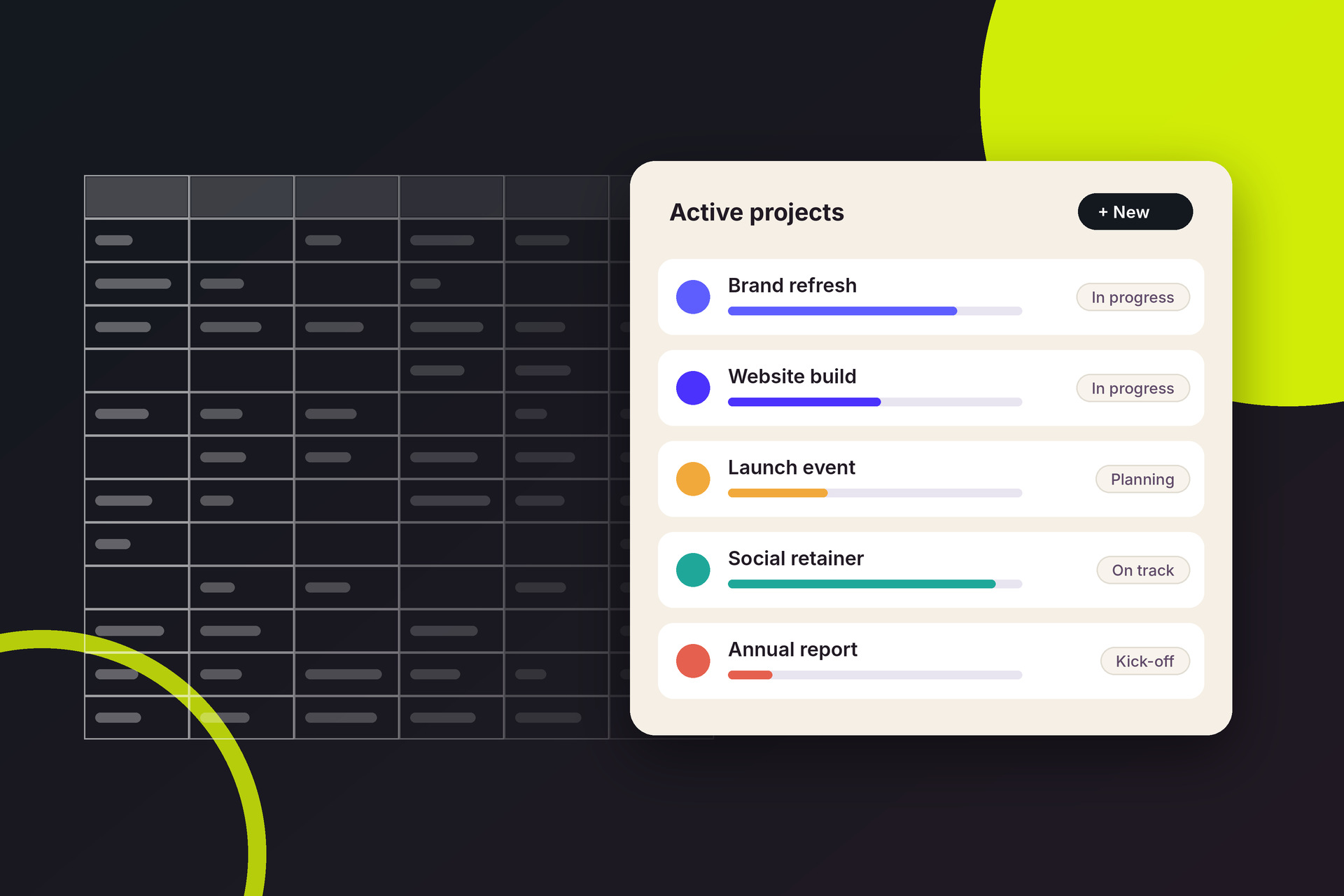
Why the switch usually stalls
Most agencies don’t struggle to choose new software. They struggle to stop using the old way of working. The new system goes live, but the resourcing spreadsheet is still open on someone’s screen, timesheets are still chased by email and the Monday status report is still built by hand. Six months later, the agency is paying for a platform and still running on spreadsheets.
The switch tends to stall for the same few reasons:
- No one owns it. Everyone agrees it’s a good idea, but no one is accountable for getting it done.
- Everything moves at once. A big-bang launch overwhelms people, so they fall back on what they know.
- Too much history comes along. Weeks go into importing old data that nobody will look at again.
- The old files never close. As long as the spreadsheet still works, people will keep using it.
A good rollout plan deals with each of these before day one.
Name an owner and set a date
Pick one person to own the move. In most agencies that’s an operations manager, a studio manager or a finance lead – someone who understands how work flows through the business and has the authority to make decisions. Give them time to do it properly. A rollout squeezed in around a full workload will drag.
Then set a cut-over date: the day the new system becomes the single source of truth. The start of a month or a new financial period works well, because budgets, timesheets and invoices all reset cleanly. Write down what success looks like at 30, 60 and 90 days, such as “every live project is in the new system”, “everyone logs time weekly” and “the leadership report comes straight from the new system”.
Decide what to bring across
Not everything in your spreadsheets needs a new home. Focus on what the team will use in the next few months:
- Bring: active clients and contacts, live projects with their budgets and dates, your rate card and services, and your team with their roles, rates and working hours.
- Leave behind: closed projects, old timesheets and past quotes. Save the old spreadsheets as read-only archives so people can still look things up.
- Keep where it is: data your accounting system already owns, such as historical invoices and payments. Connect the two systems instead of copying it.
Clean the data before you import it. Merge duplicate clients, agree on one naming convention for projects and close any jobs that are finished but still marked as active. An hour of tidying now saves weeks of confusion later.
Set up the foundations before anyone logs in
First impressions matter. If people log in to an empty system with the wrong rates and no project templates, they’ll decide it doesn’t work. Before the wider team arrives, set up:
- Your organisation details, currency, tax rates and numbering.
- Your rate card and the services you sell, with the tasks each one usually includes.
- Project statuses that match how your team actually works.
- Permission levels, so people see what they need and nothing they shouldn’t.
- Your accounting integration, so finance isn’t entering things twice.
Then run one real project through the whole system, from brief and scope to tasks, time and invoice. You’ll find the gaps while the stakes are low.
Roll it out in stages
A staged rollout gives each group time to settle in before the next one joins. A four-week plan might look like this:
- Week 1: leadership and operations finish the set-up and import the data.
- Week 2: a pilot team runs its live projects in the new system and reports what’s confusing.
- Week 3: everyone starts logging time and updating tasks there.
- Week 4: cut-over. The new system becomes the source of truth.
Keep training short and specific to each role. A designer needs to know how to find their tasks and log time, not how to configure the rate card. Pick a champion in each team who can answer quick questions, and hold short drop-in sessions for the first couple of weeks.
Retire the spreadsheets for good
On cut-over day, make the old spreadsheets read-only and say so clearly. Then make the new system the only place the important conversations happen. Run the next leadership meeting from its reports, review resourcing from its schedule and approve timesheets there. When people see that decisions are made from the new system, they’ll keep it up to date.
For the first few weeks, check adoption every week: is time being logged, are projects being updated, are people still asking for spreadsheets? Fix friction quickly. Small annoyances left unresolved are what send people back to the old way.
Where Graysync fits
If you’re moving to Graysync, these Help Centre articles cover the set-up steps above: