

Choose your dashboard
Three dashboards for three roles
Your dashboard is the first thing you see when you log in. Graysync has three versions, each focused on a different role. Switch between them with the dropdown in the top-right of the dashboard, and use All Organisations to focus on a single organisation.
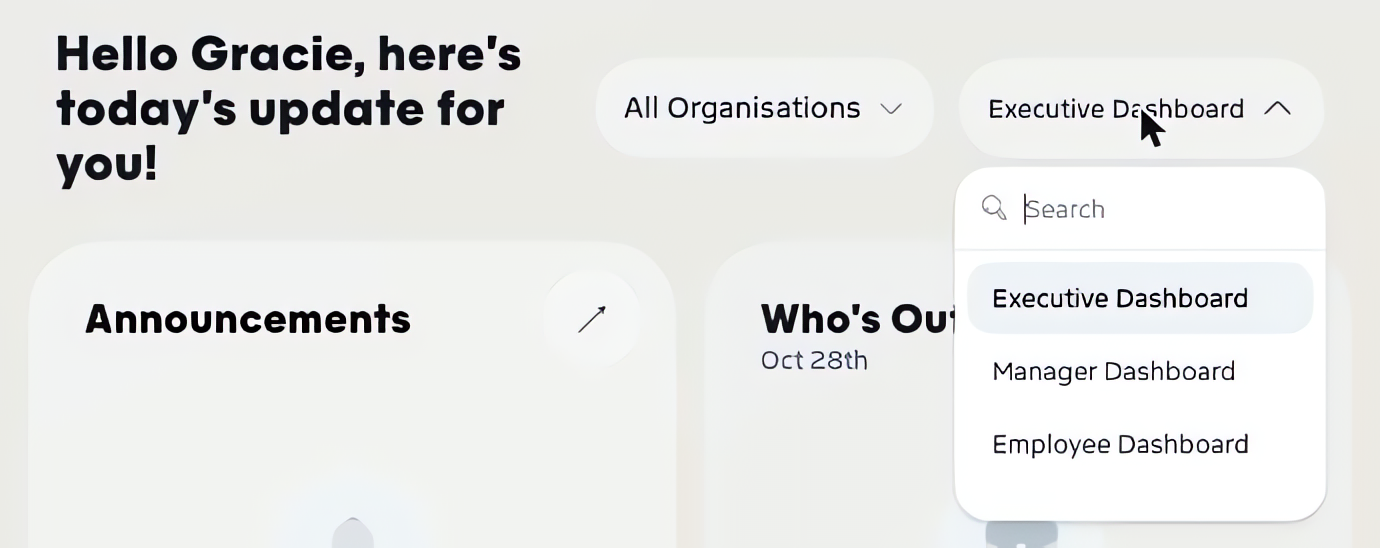
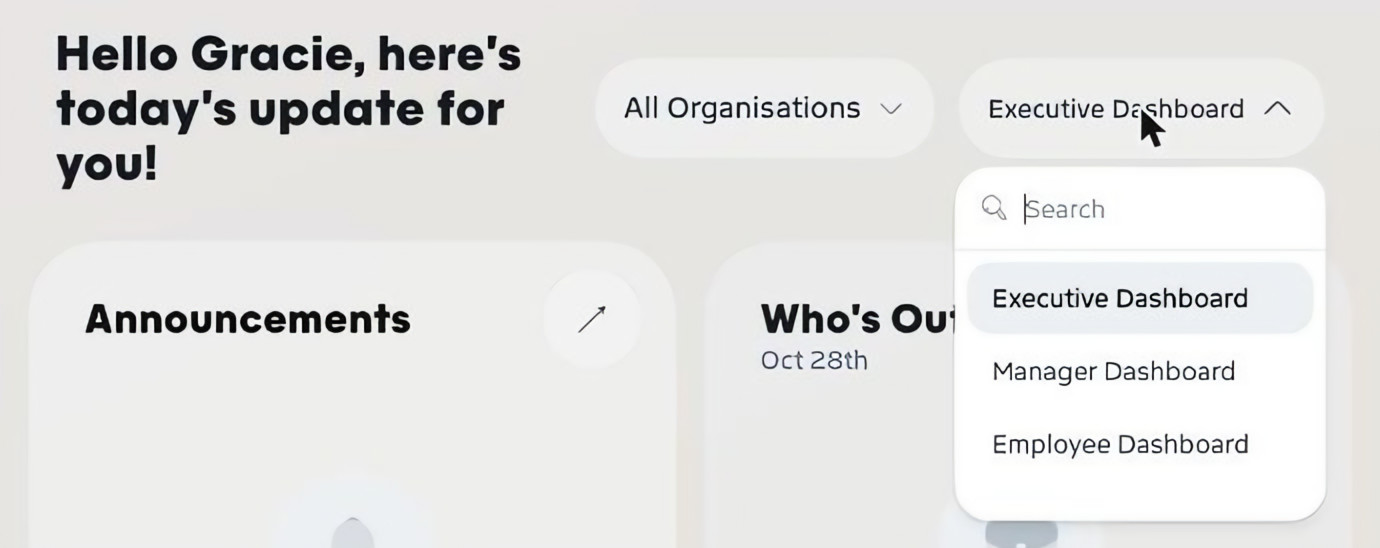
Executive Dashboard
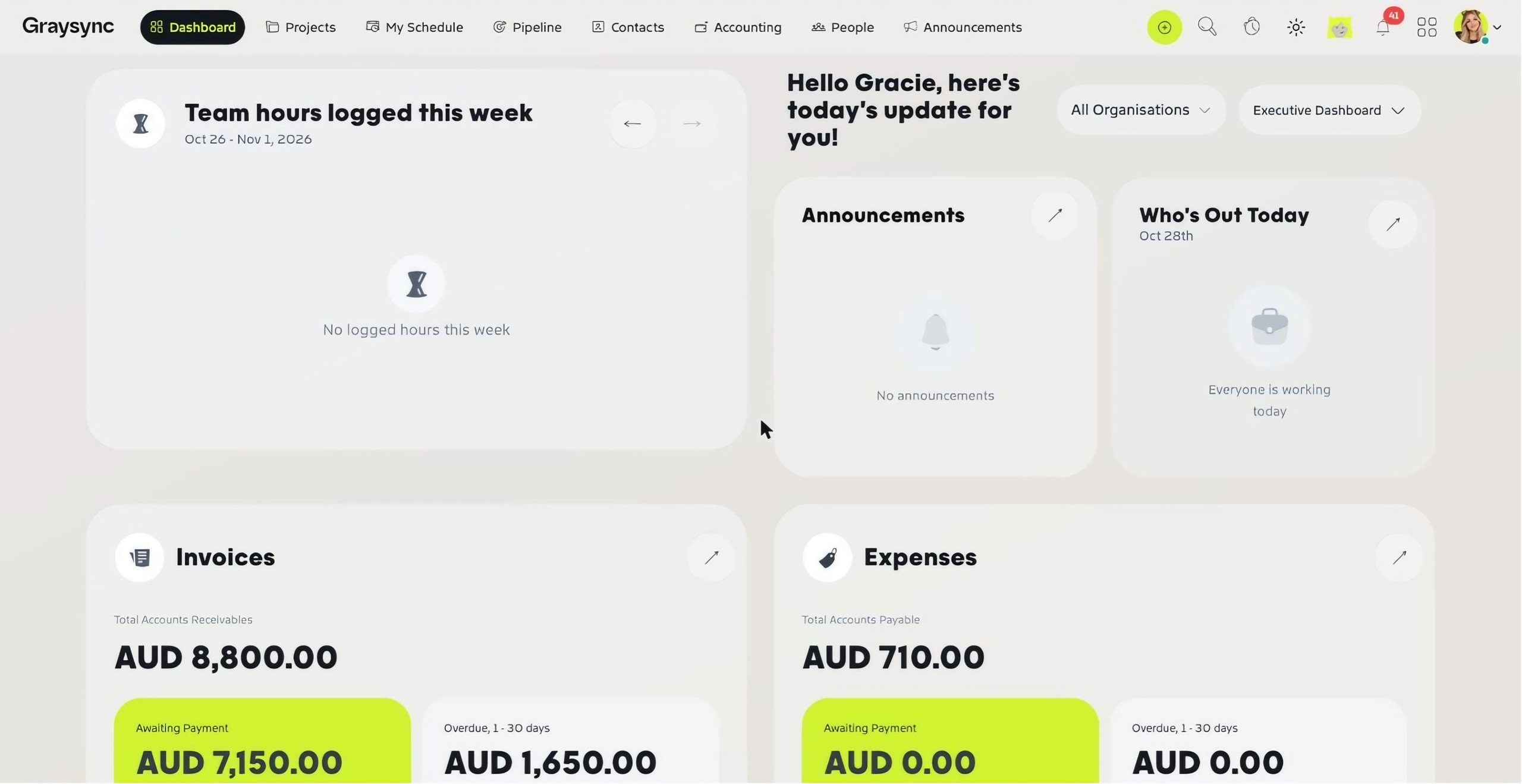
The big picture for owners and leadership: team hours logged this week, announcements, who’s out today, invoices and expenses (from awaiting payment through to overdue 61+ days), the Revenue Snapshot, active retainers, capacity by department, open opportunities, the pipeline funnel, revenue this year against last year, and the Workstream.
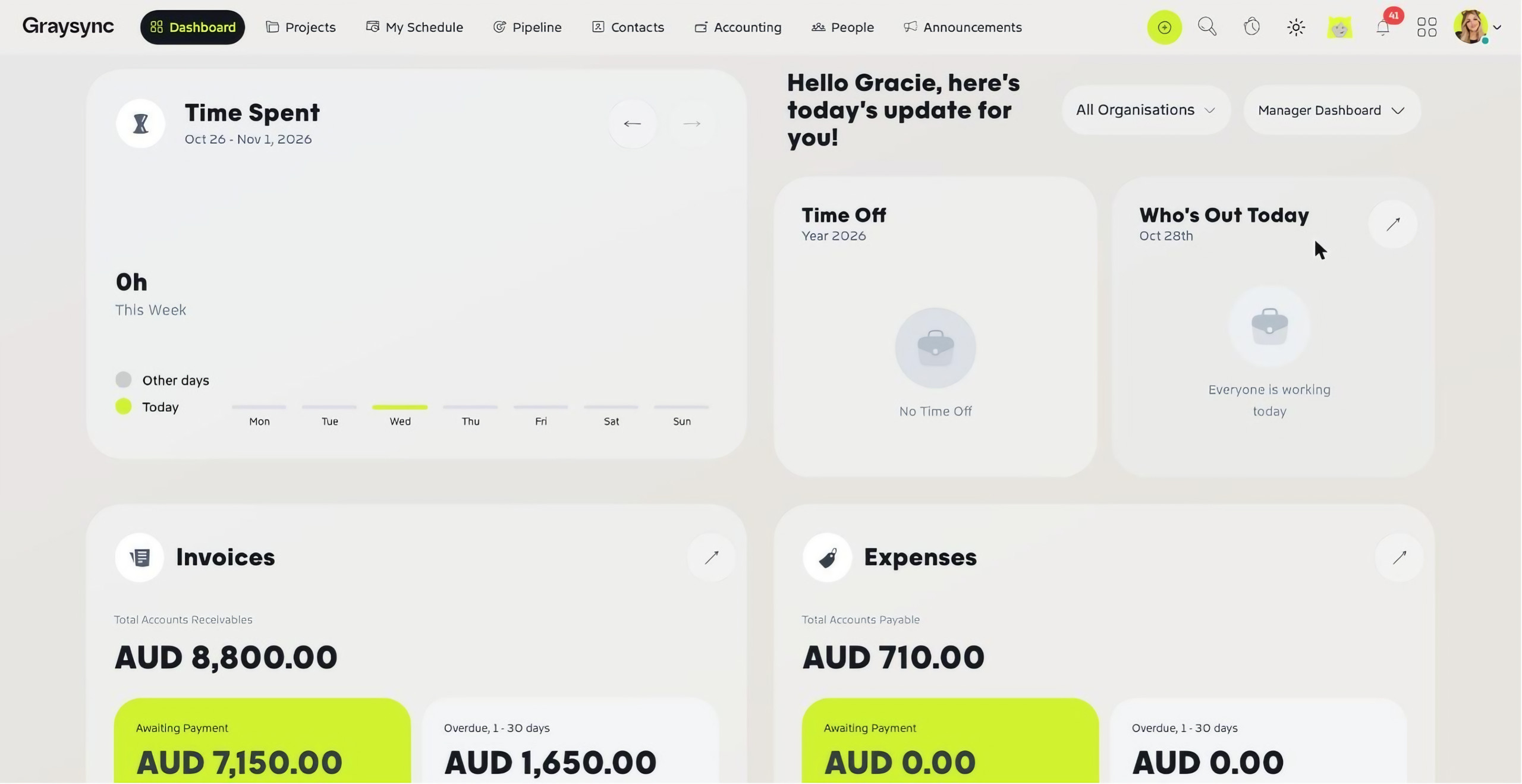
Manager Dashboard
Built for team leads: time spent this week, time off, who’s out today, invoices, expenses and the Workstream.
Employee Dashboard
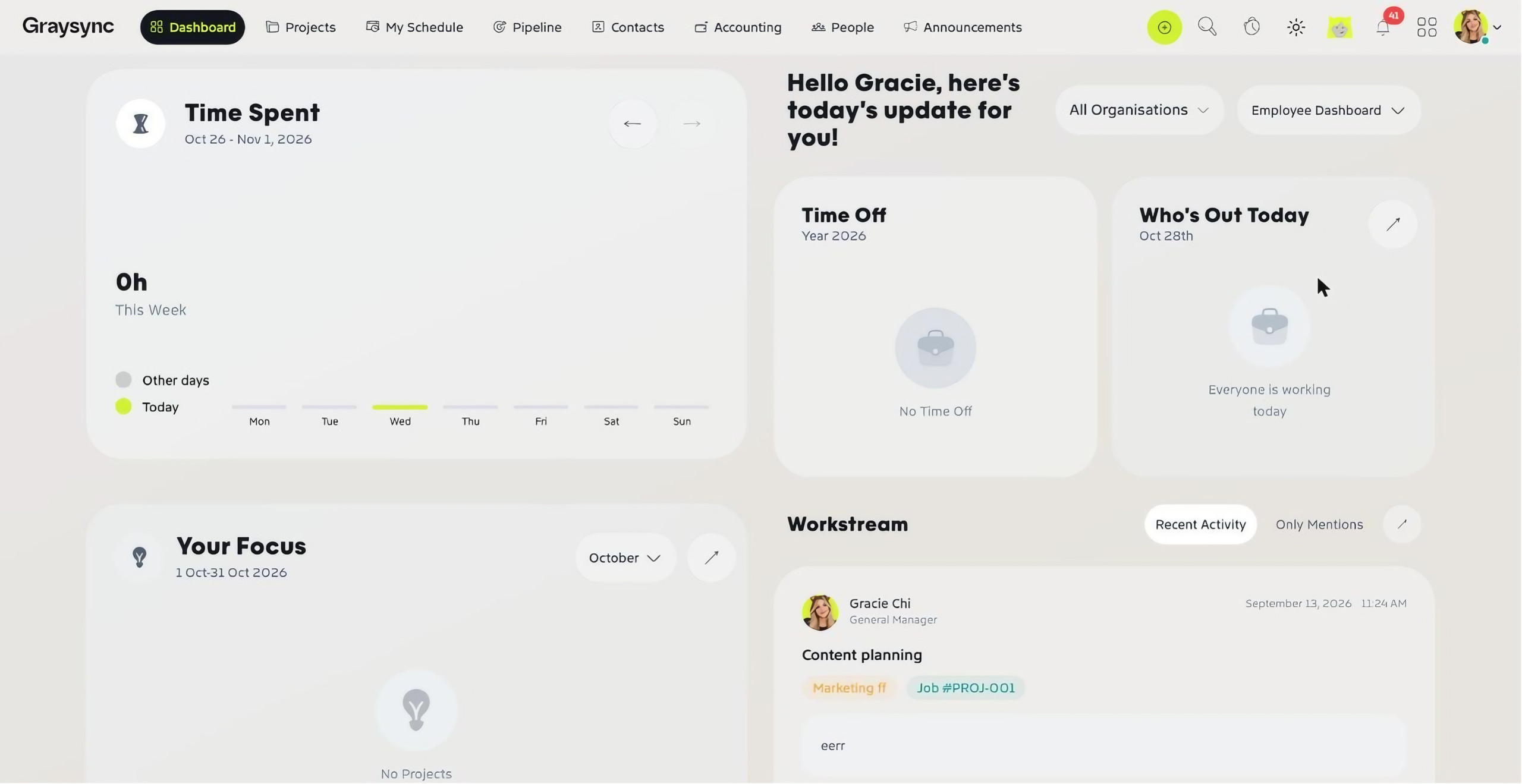
Focused on your own work: time spent this week, your time off, who’s out today, Your Focus, your daily tasks (today, this week, overdue and urgent) and the Workstream.
The Workstream
Every dashboard includes the Workstream, a feed of recent comments and updates across your projects. Switch between Recent Activity and Only Mentions to see just the conversations you’ve been tagged in.
Who can see which dashboard?
When you add a user, the Dashboards field in their job information controls which dashboards they can choose from. See Invite your team.